RCurrencyConverter
Point. Convert. Done. Any price, any currency, in a glance.

A currency converter that reads prices
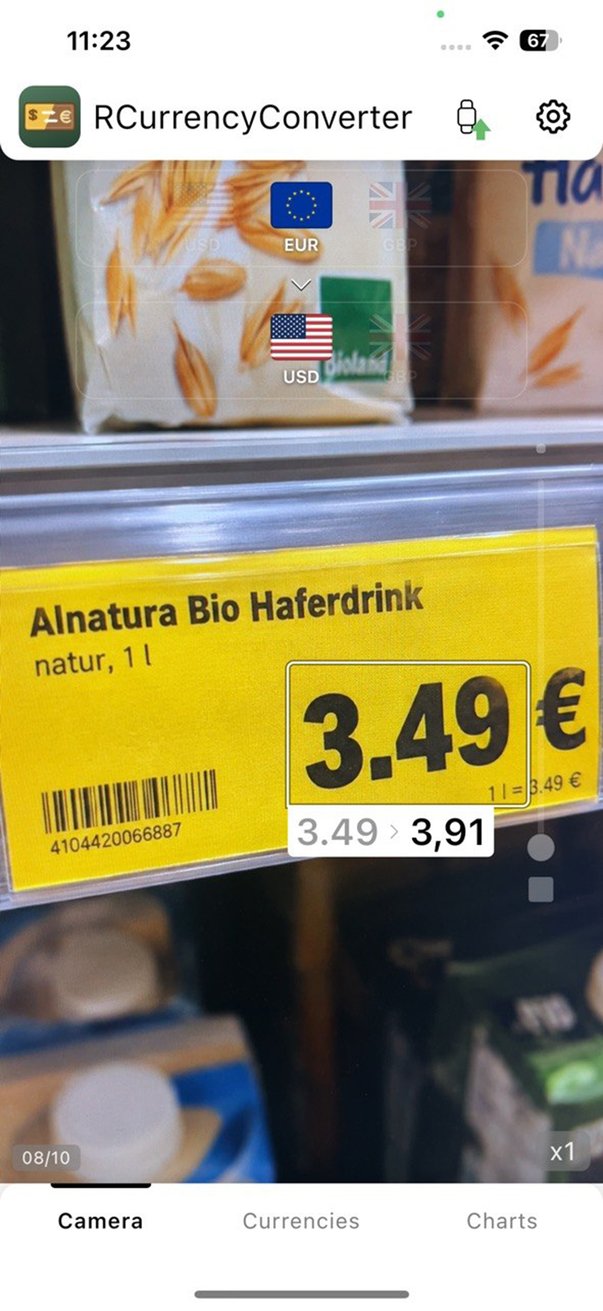
Abroad, every price tag is a small math problem. RCurrencyConverter solves it for you: point the phone camera at a price and see it in your own currency, right on top of the tag. No typing, no switching apps.
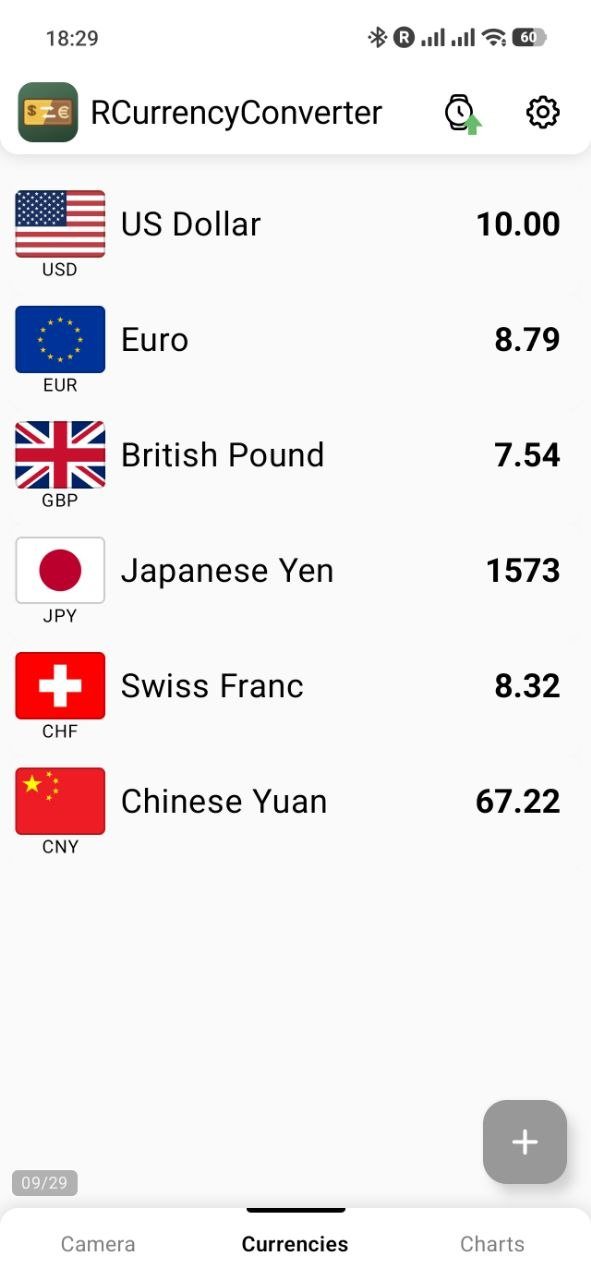
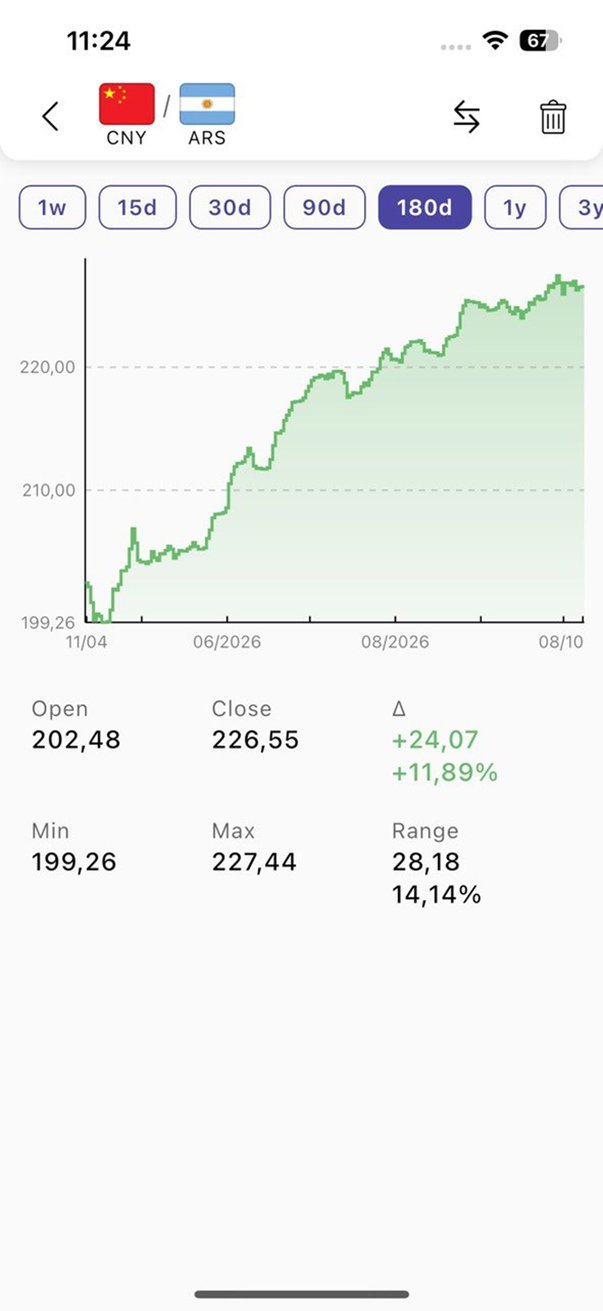
When you do need to type, enter an amount once and see it in all your currencies at the same time. Exchange rate charts show how a pair has moved, and widgets keep your favourite rate on the home screen.
Features
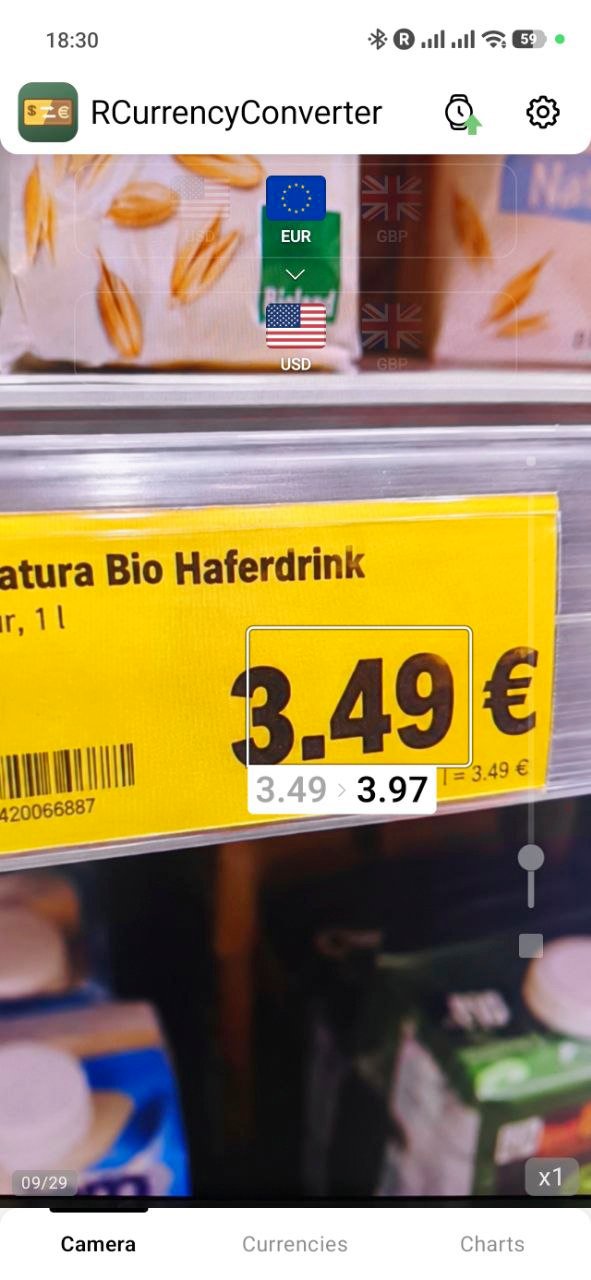
Camera conversion
Point the camera at a price tag or a menu: prices are recognized in the frame and shown in your currency right next to them. Sensitivity and zoom are at hand.
All currencies at once
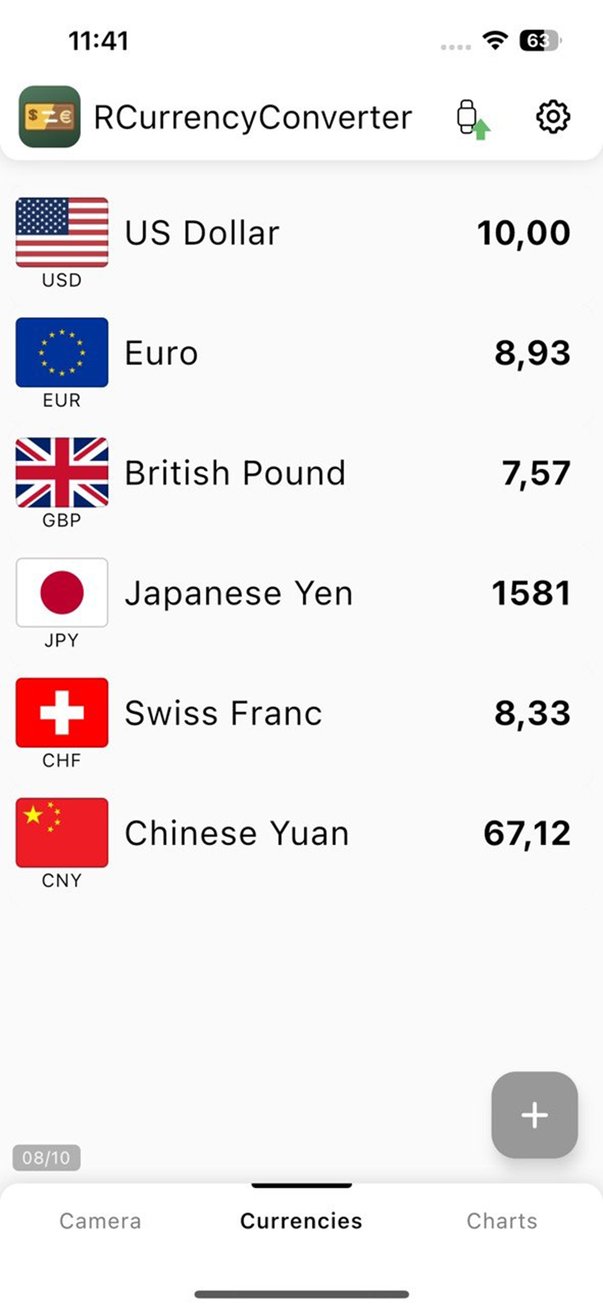
Type an amount in any row and every other currency in your list is recalculated instantly.
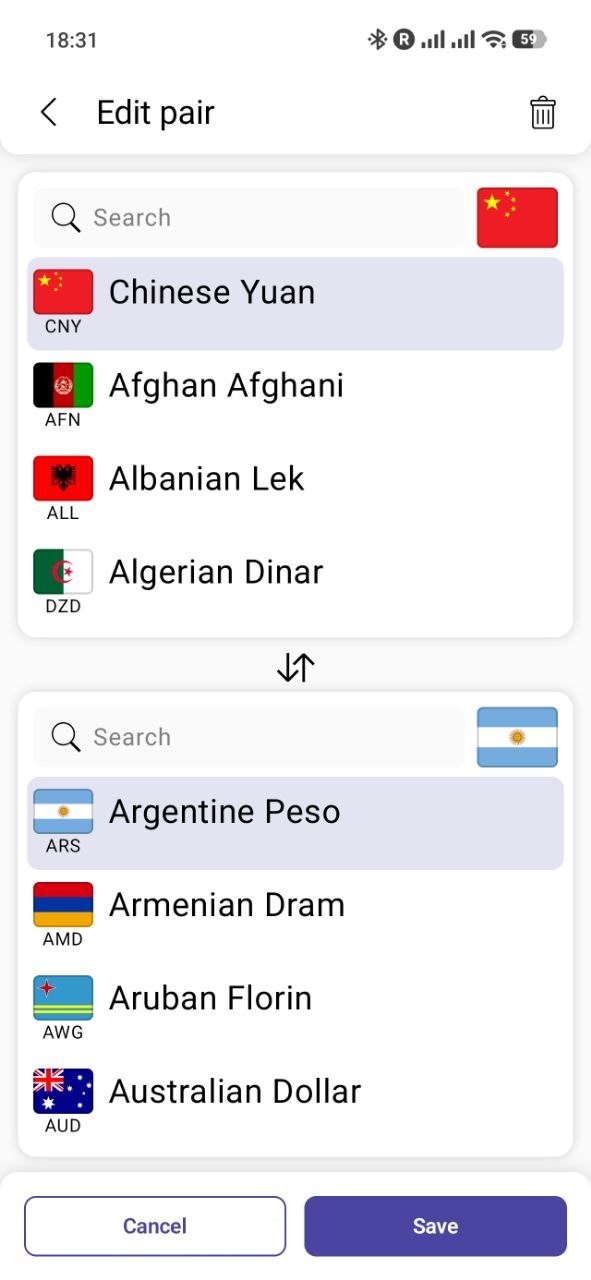
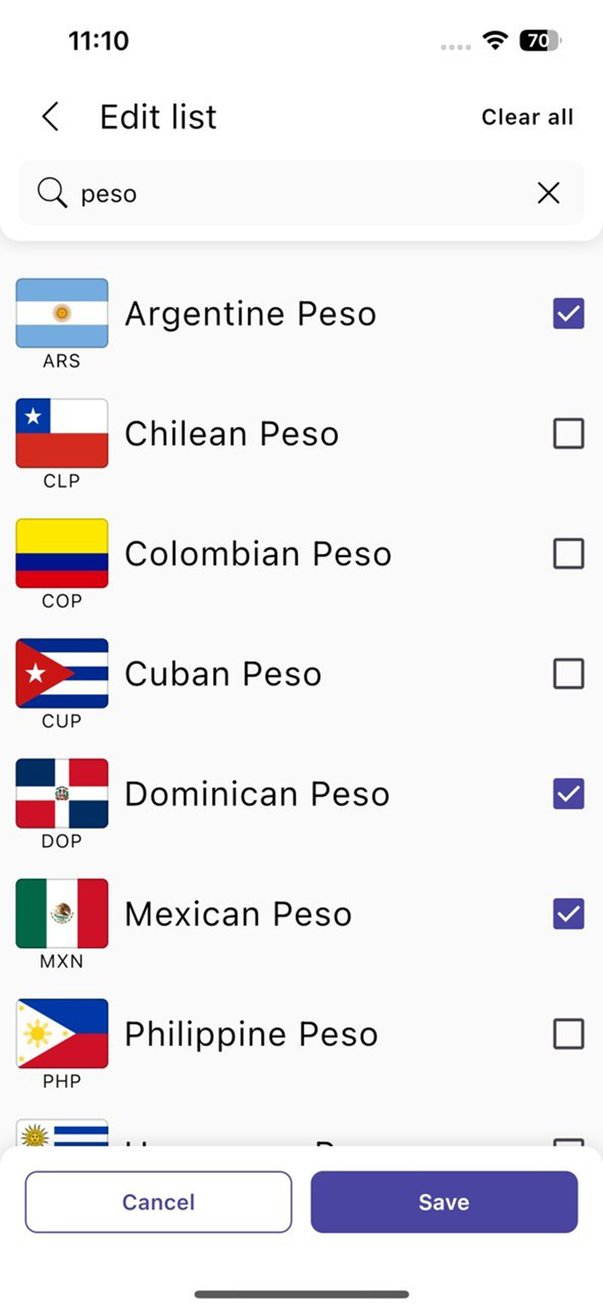
158 currencies
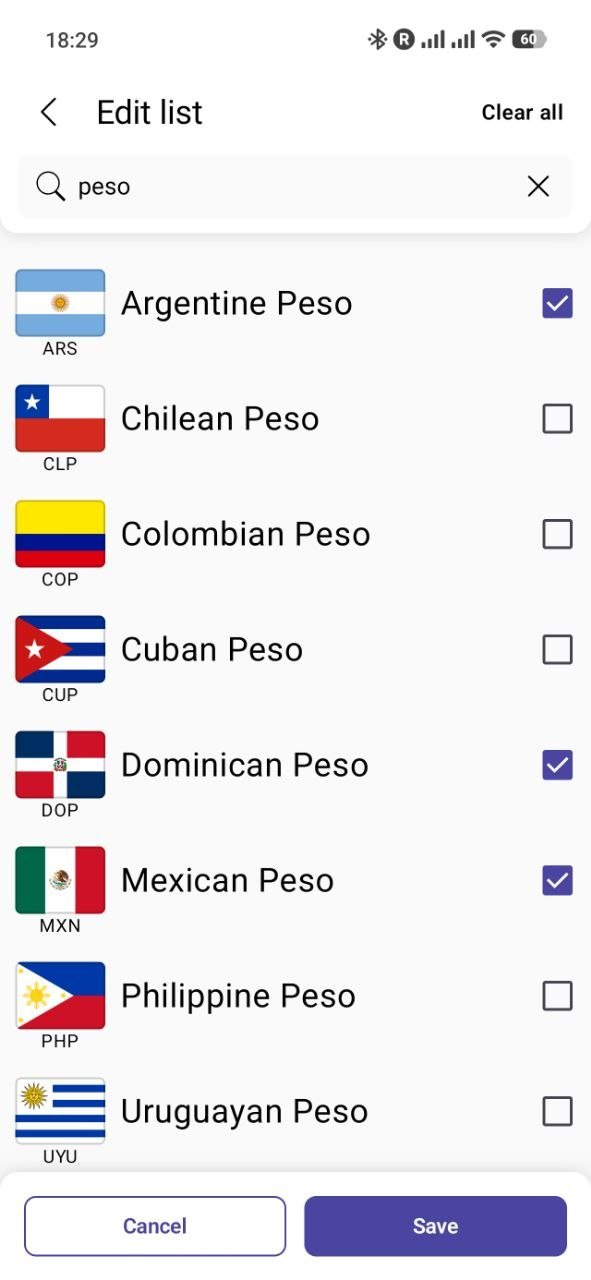
Flags, full names and search by name or code. Keep only the currencies you need, in your order.
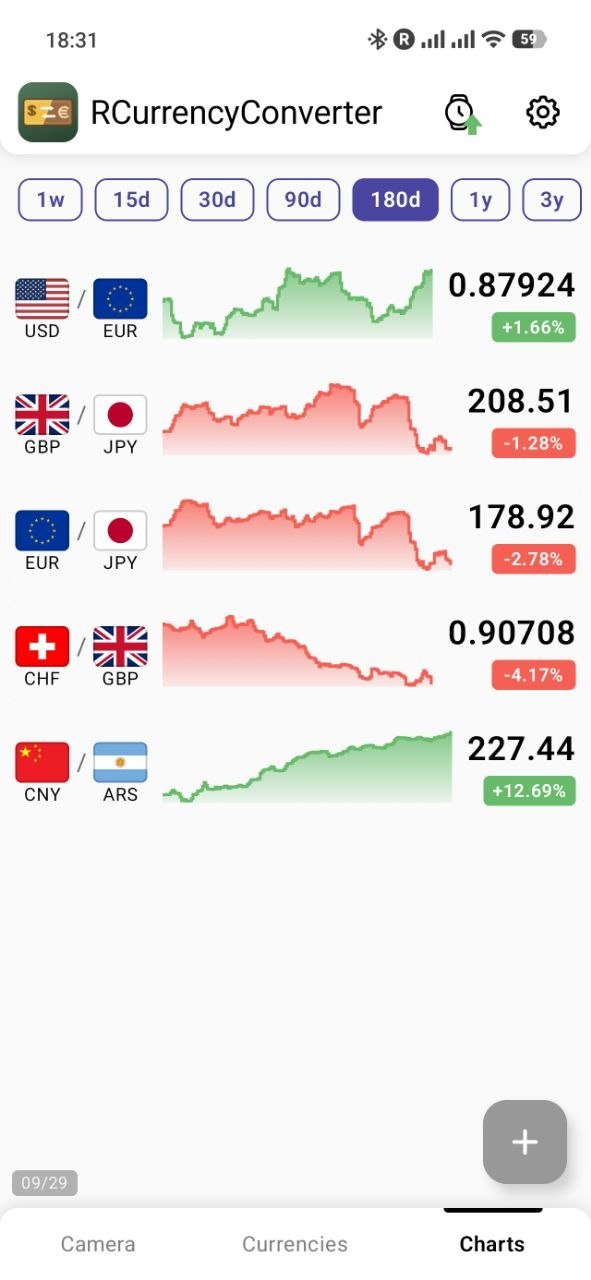
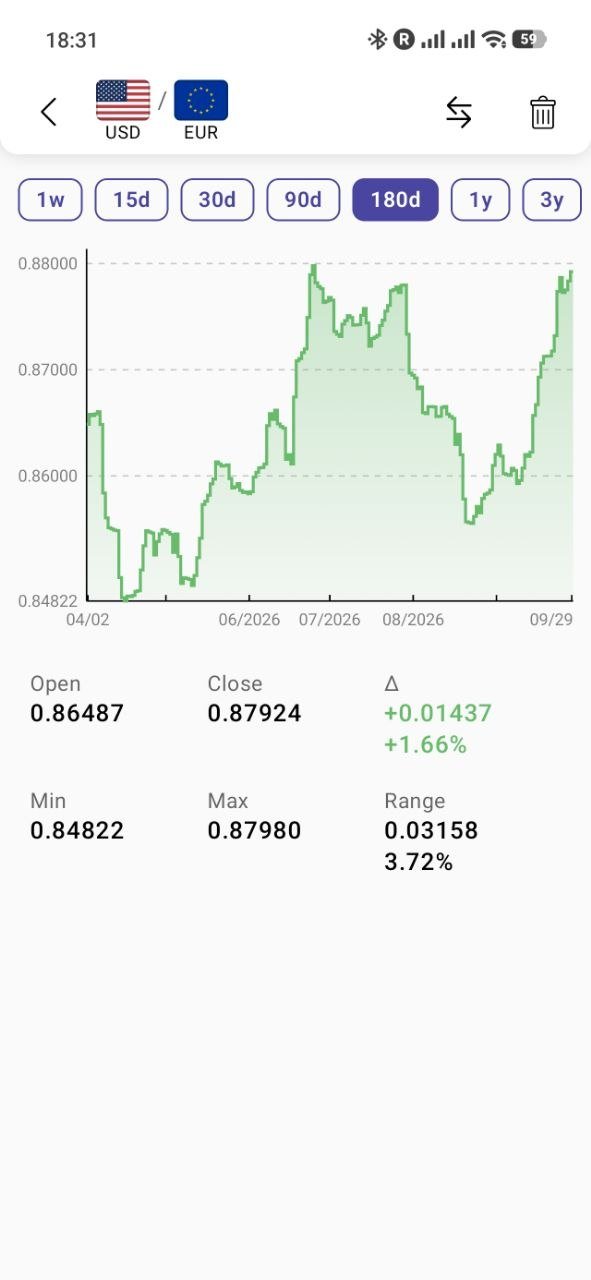
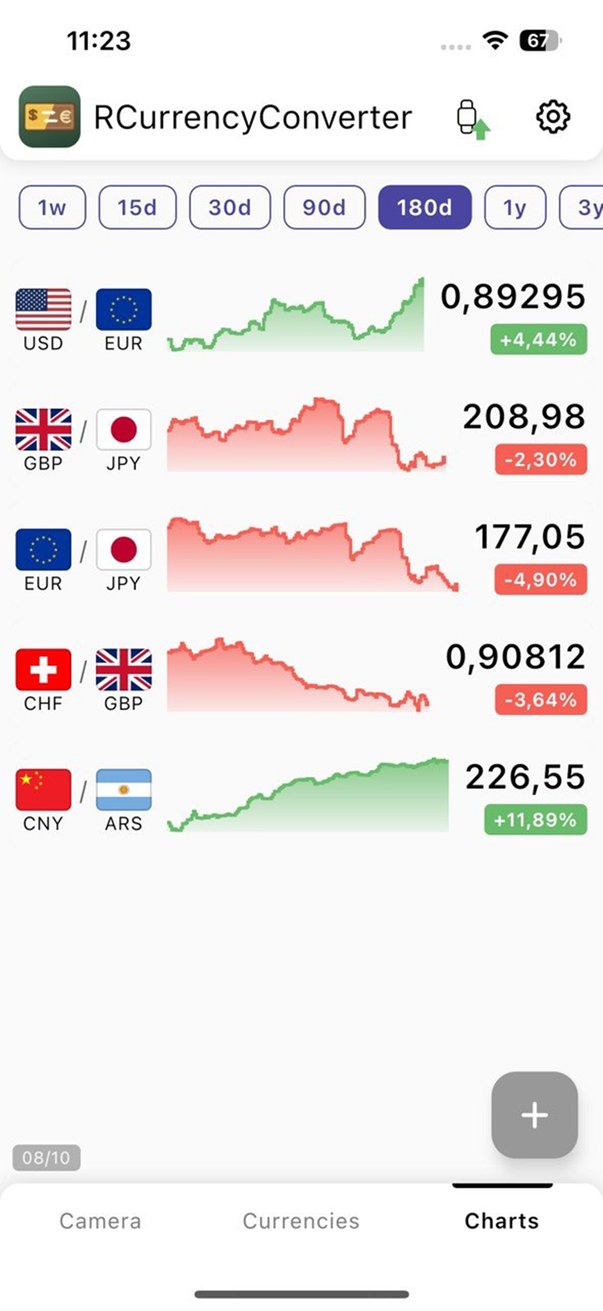
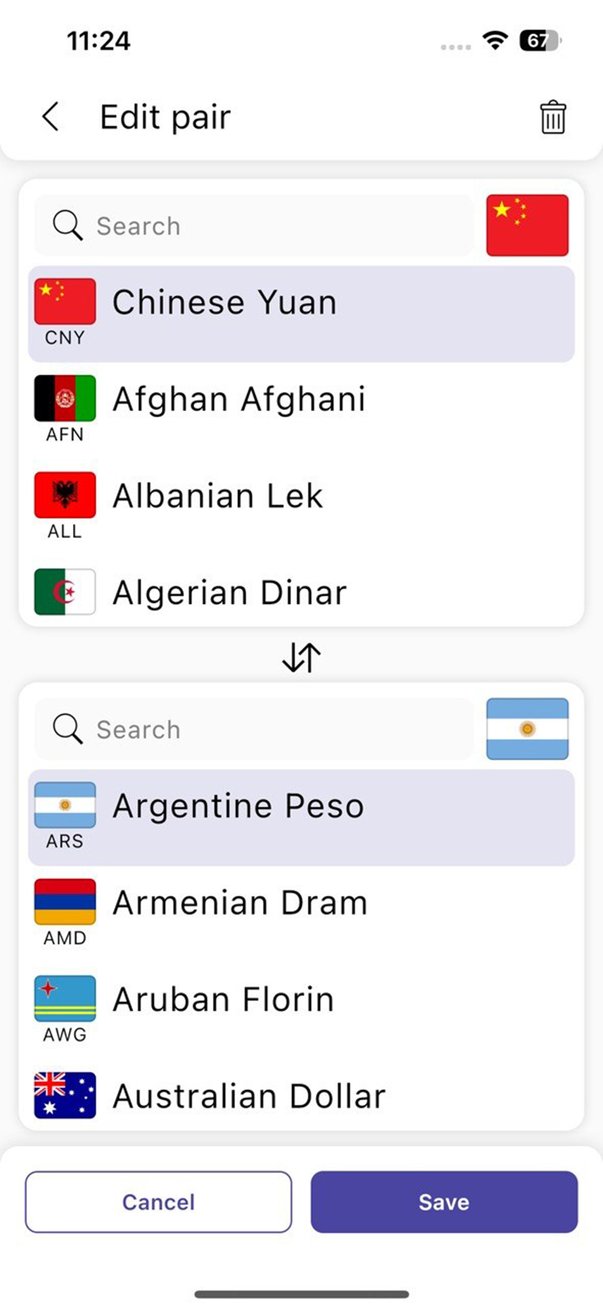
Rate charts
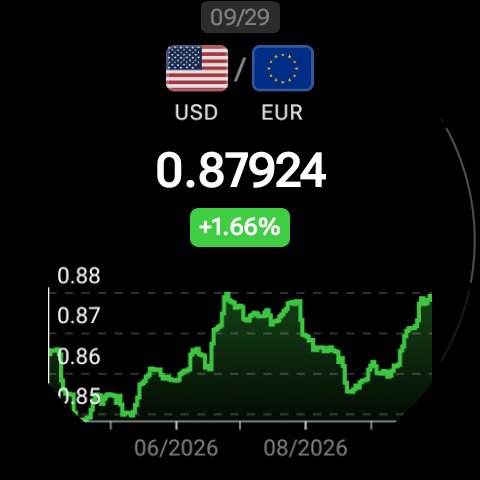
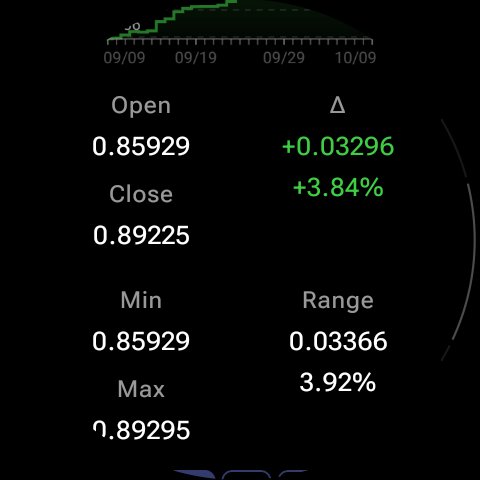
Follow any currency pair over a week, a month or several years, with change, minimum and maximum.
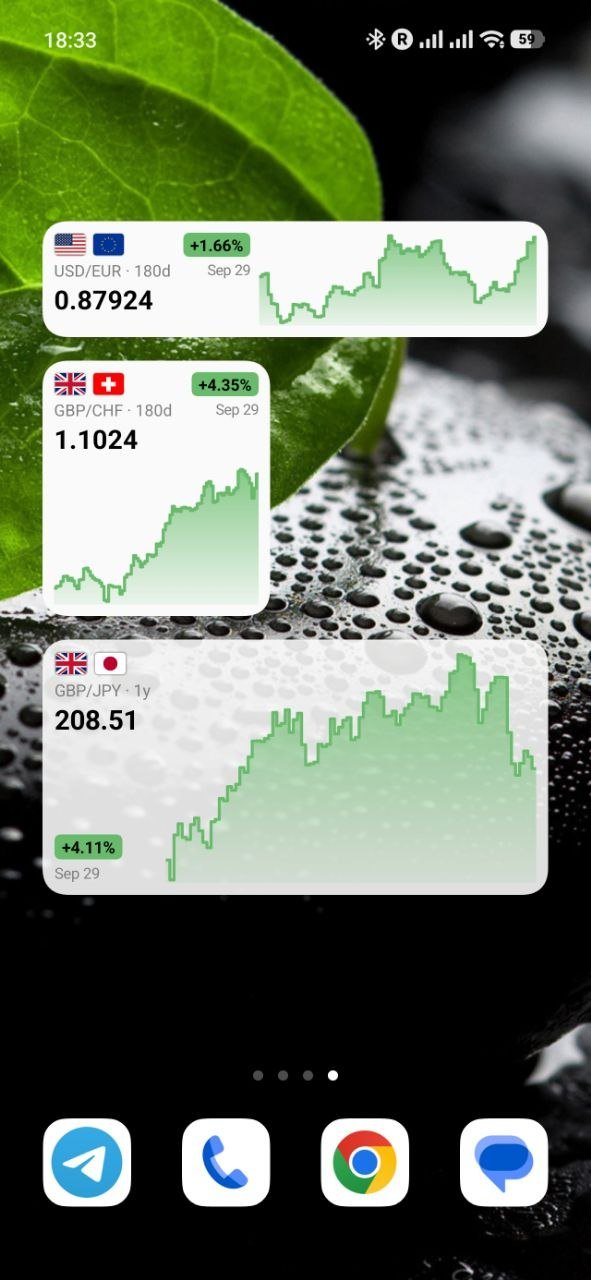
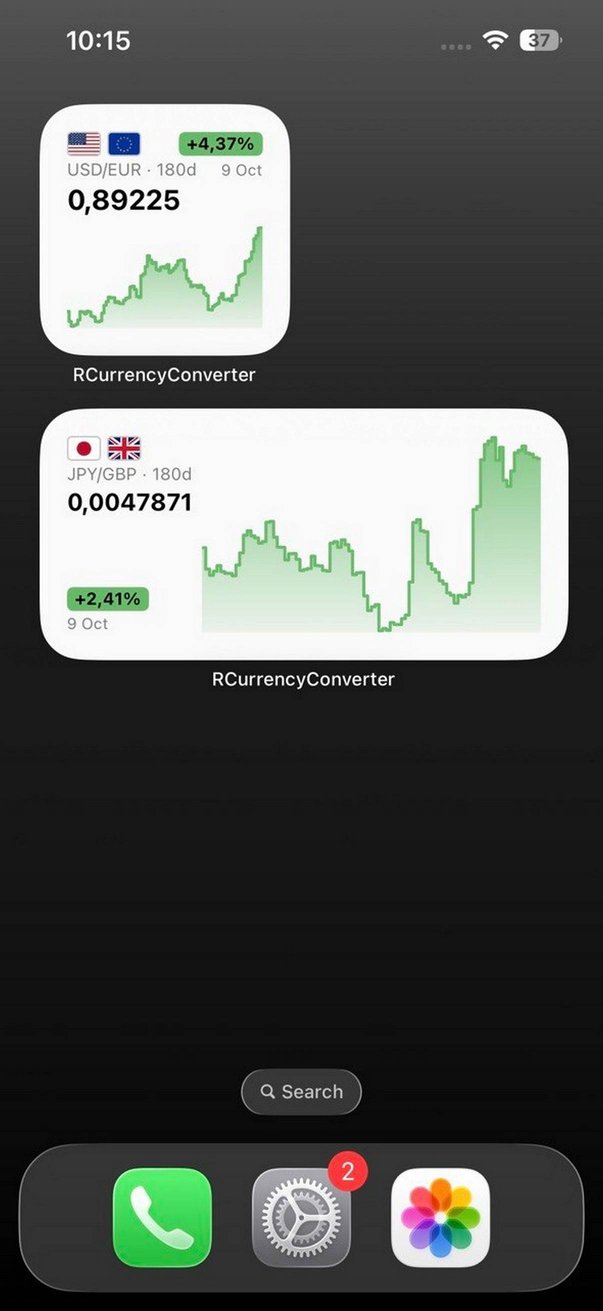
Home screen widgets
Put a pair chart on the home screen and see the rate without opening the app.
Works offline
Rates are stored on the device and refreshed automatically when you are online.
Private
No account and no ads. Your currencies and amounts stay on your device; camera frames are never stored.
10 languages
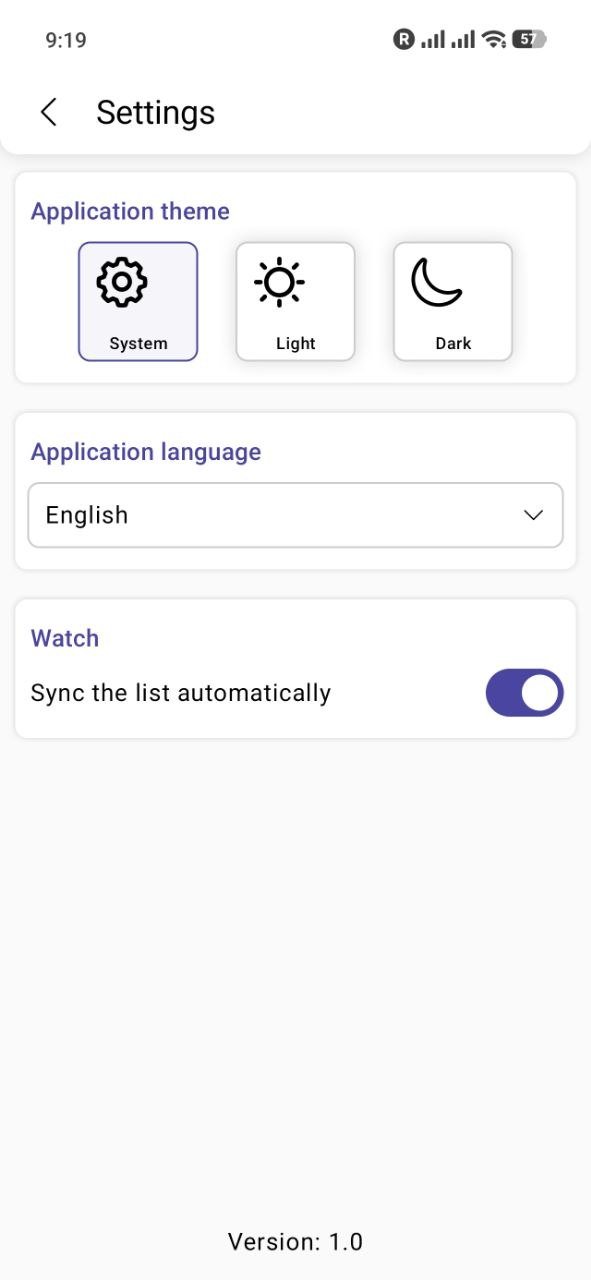
English, Français, Deutsch, Español, Português, Italiano, Русский, 日本語, 한국어, हिन्दी
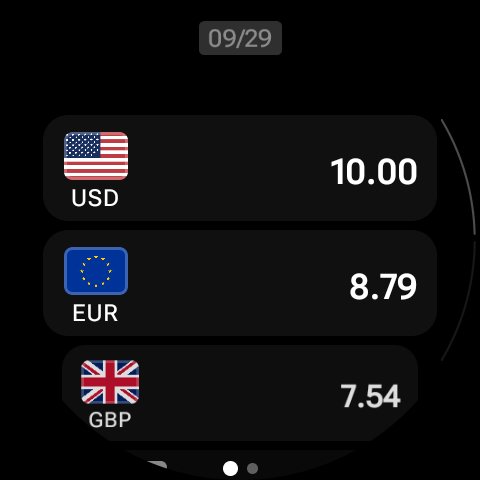
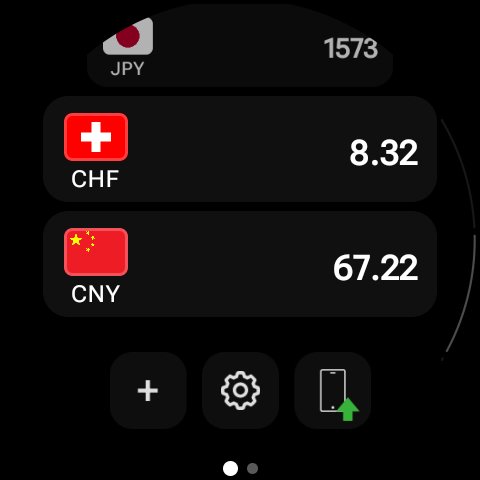
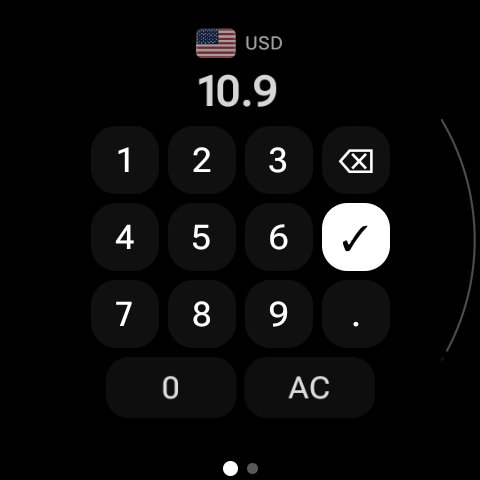
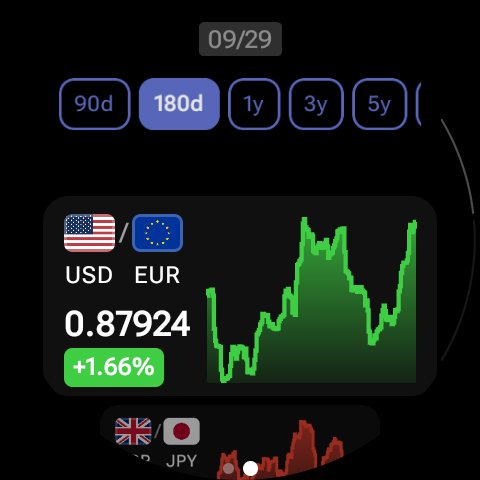
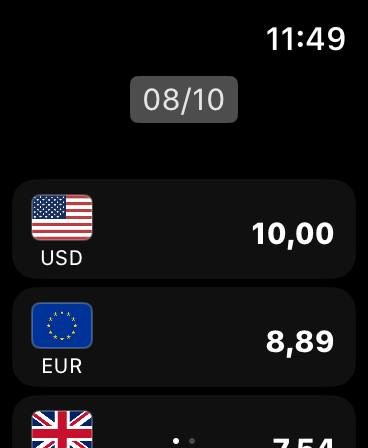
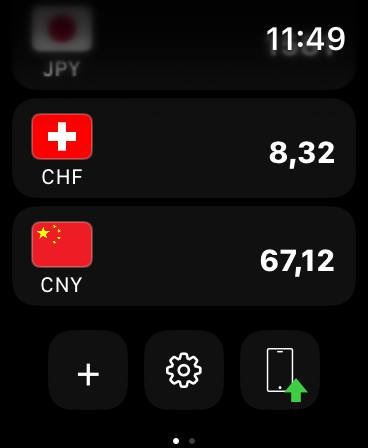
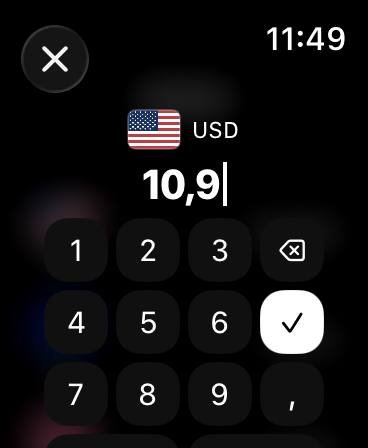
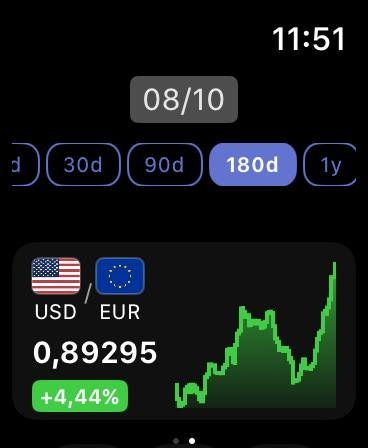
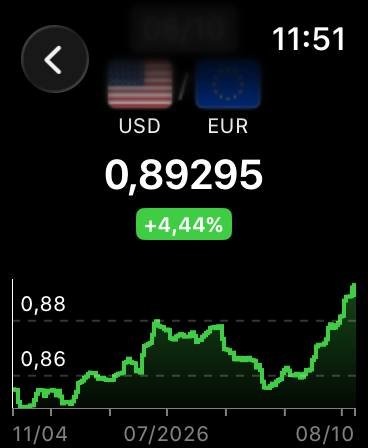
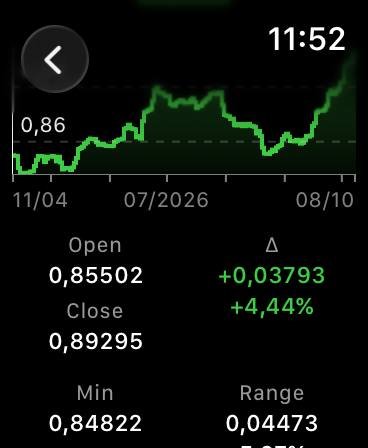
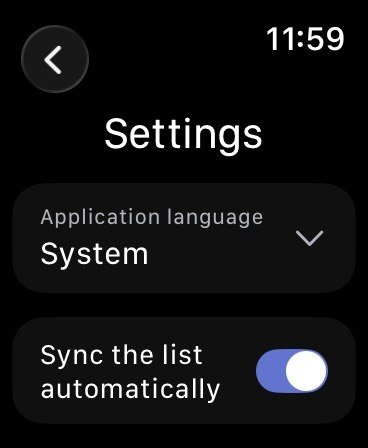
Convert at a glance from your watch
The watch app brings your currency list and rate charts to the wrist: check a price at the market without taking out the phone.
On Wear OS the watch app installs from Google Play, on Apple Watch — together with the iPhone app.
Your list on the wrist
Scroll through your currencies and tap any of them to enter an amount on a large keypad.
Charts
The same currency pairs and periods as on the phone, with a detailed chart a tap away.
Synced with the phone
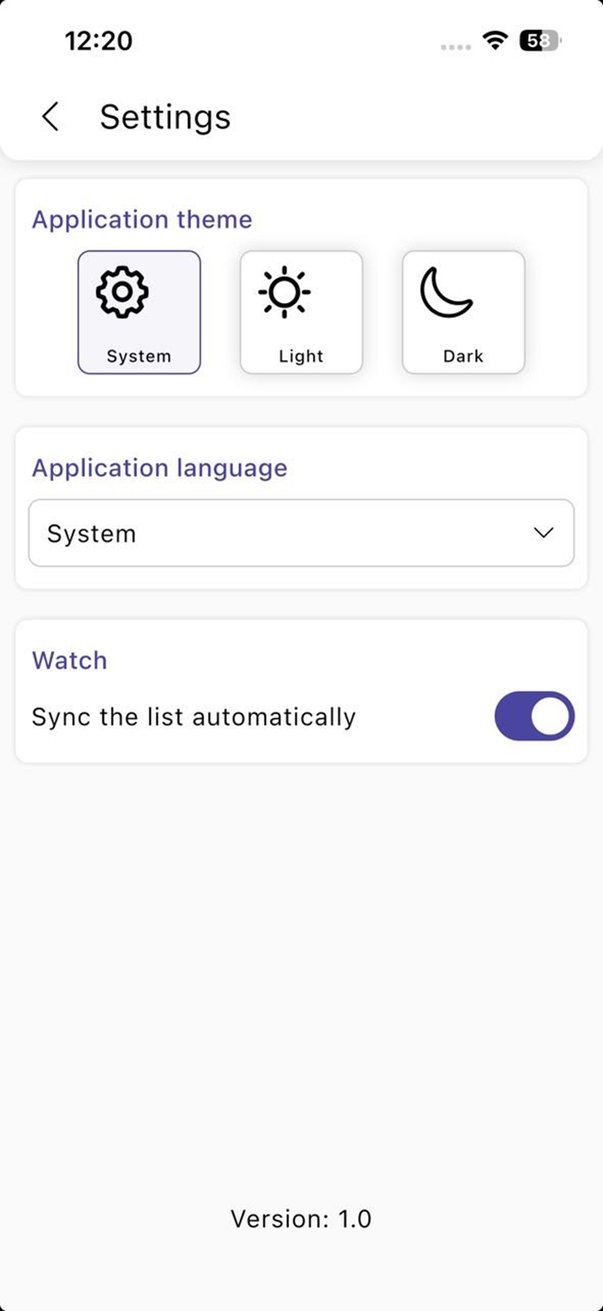
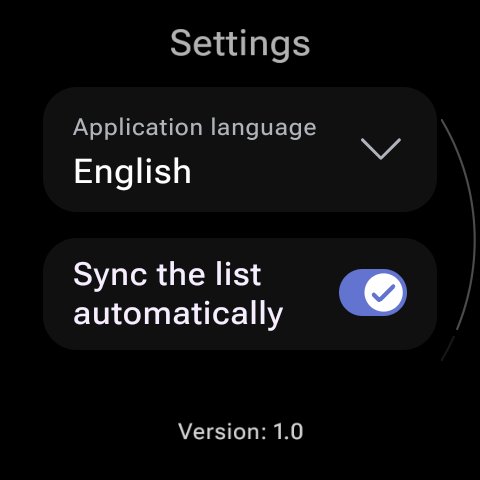
The currency list follows the phone automatically, or on demand with one tap.
Standalone
The watch downloads rates on its own and keeps working when the phone is not around.